
Merchant preparation
Merchants log in to the merchant platform using their account and password and complete the following operations.
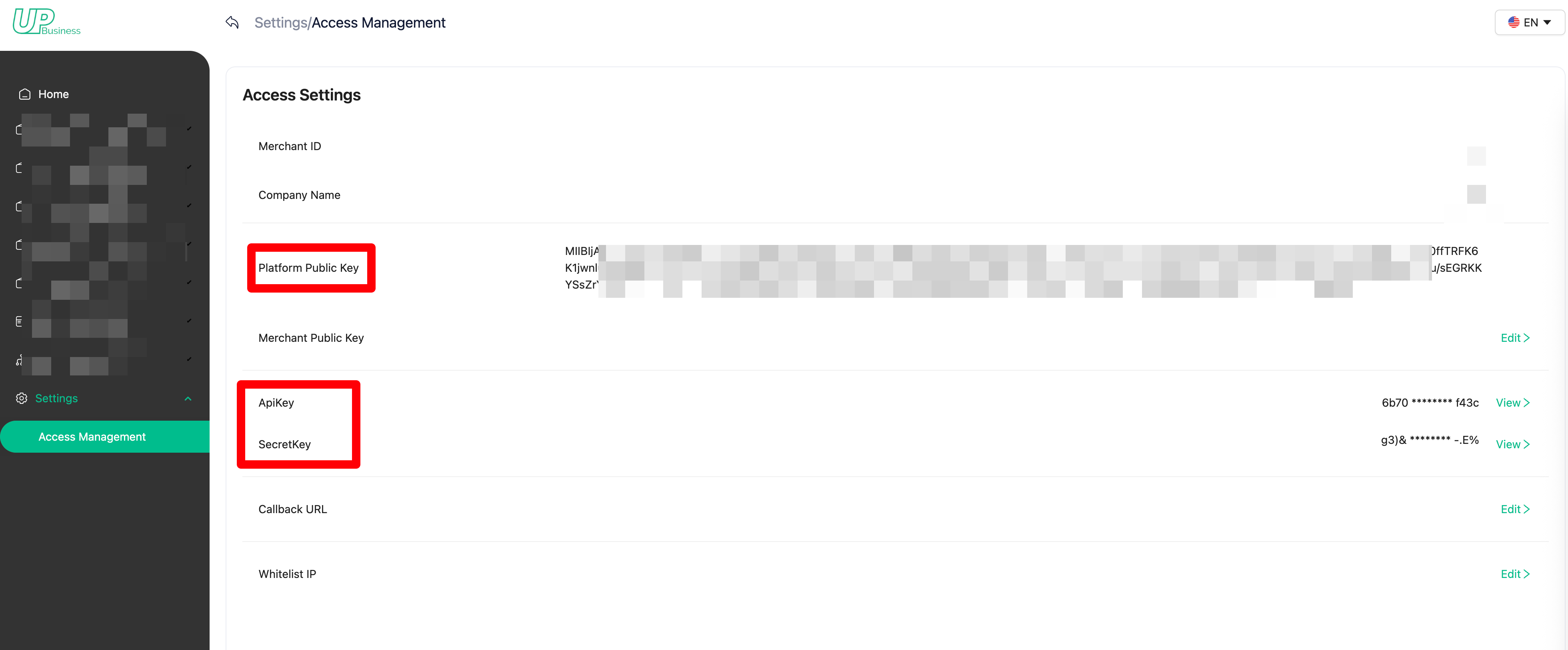
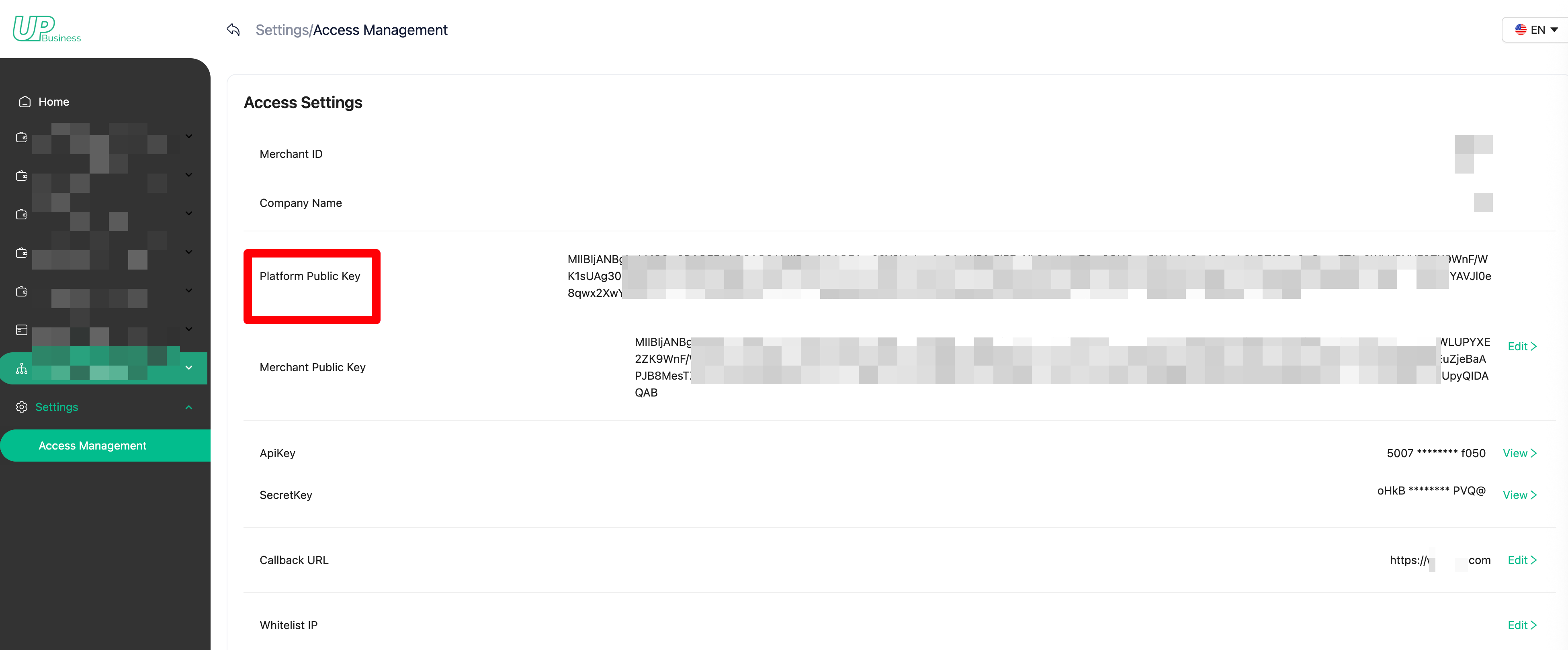
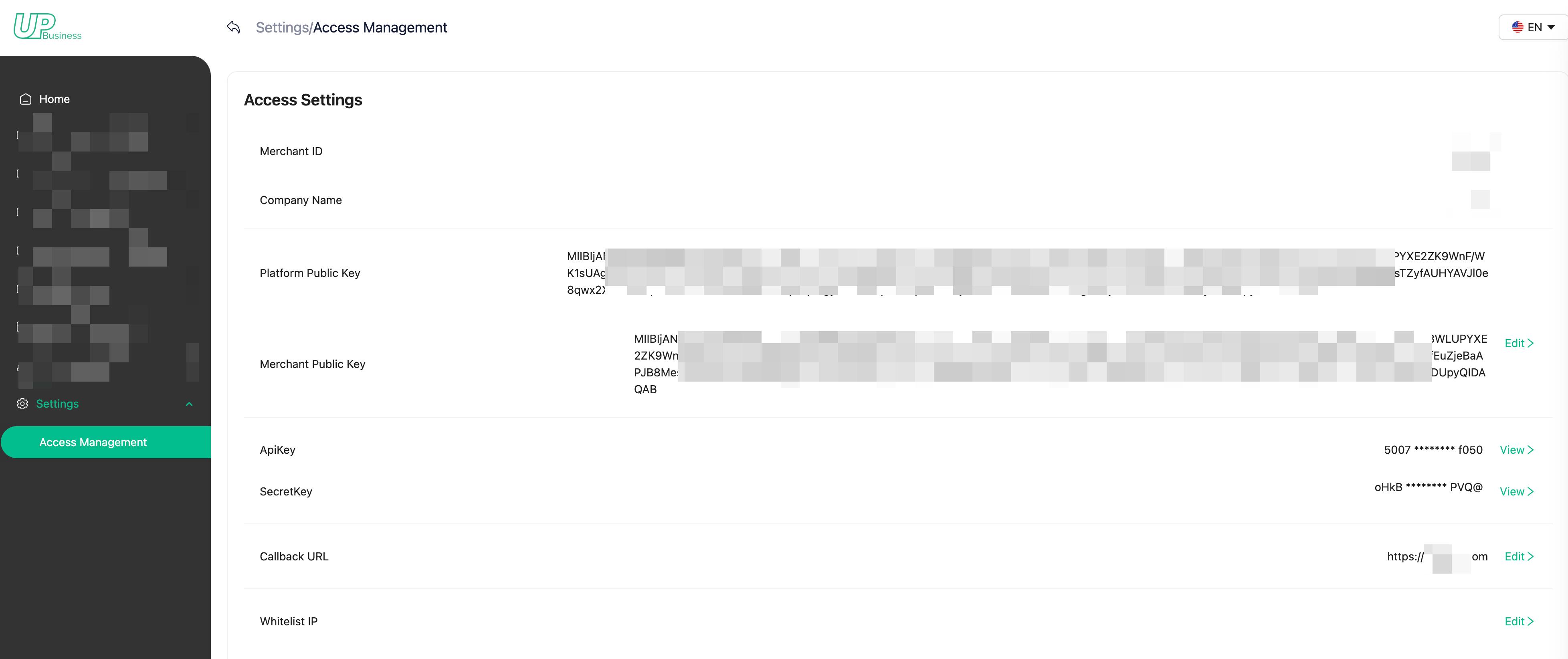
Obtain the platform public key/API key/Secret key
Platform Public Key: Provided by UPay, used for encrypting parameters when requesting the API.
API Key: Provided by UPay, a unique identifier for the merchant.
Secret Key: Used for data signing when requesting the API.
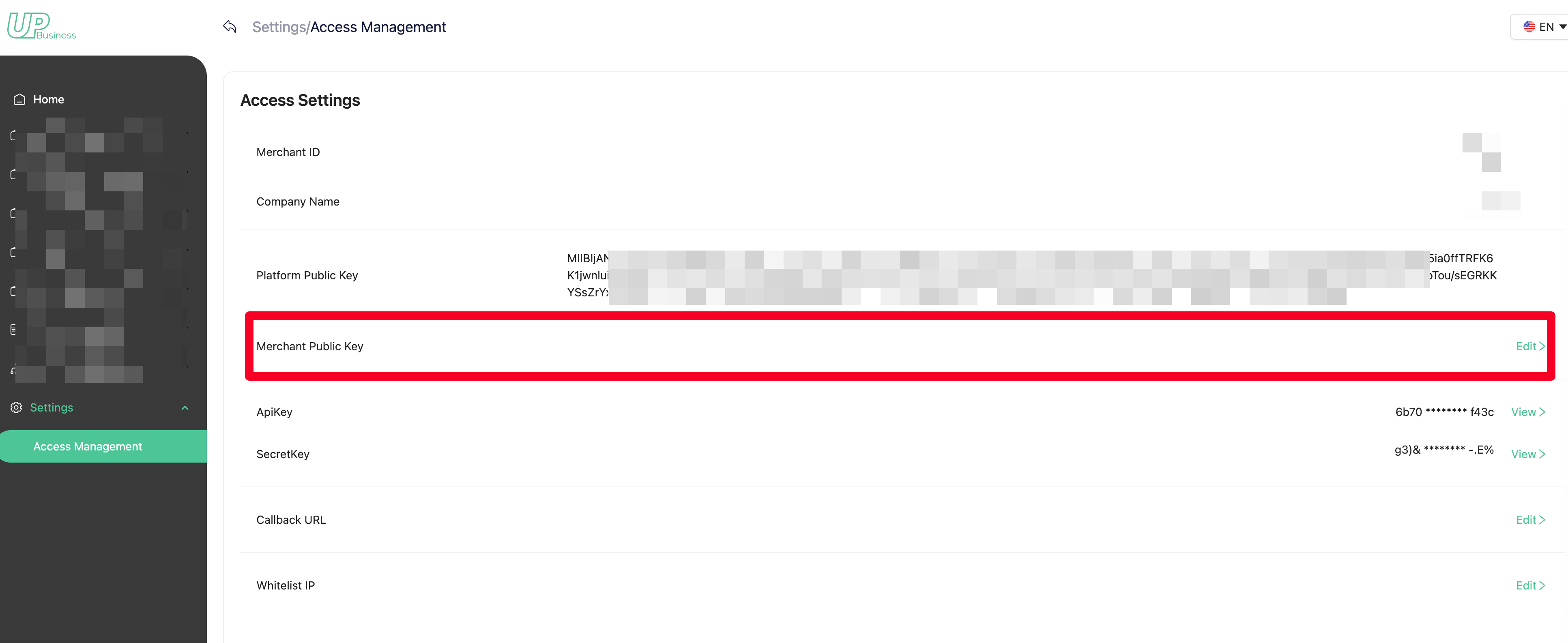
Configure merchant public key
Merchant public key generation rules can be found here. Signature & Data encryption
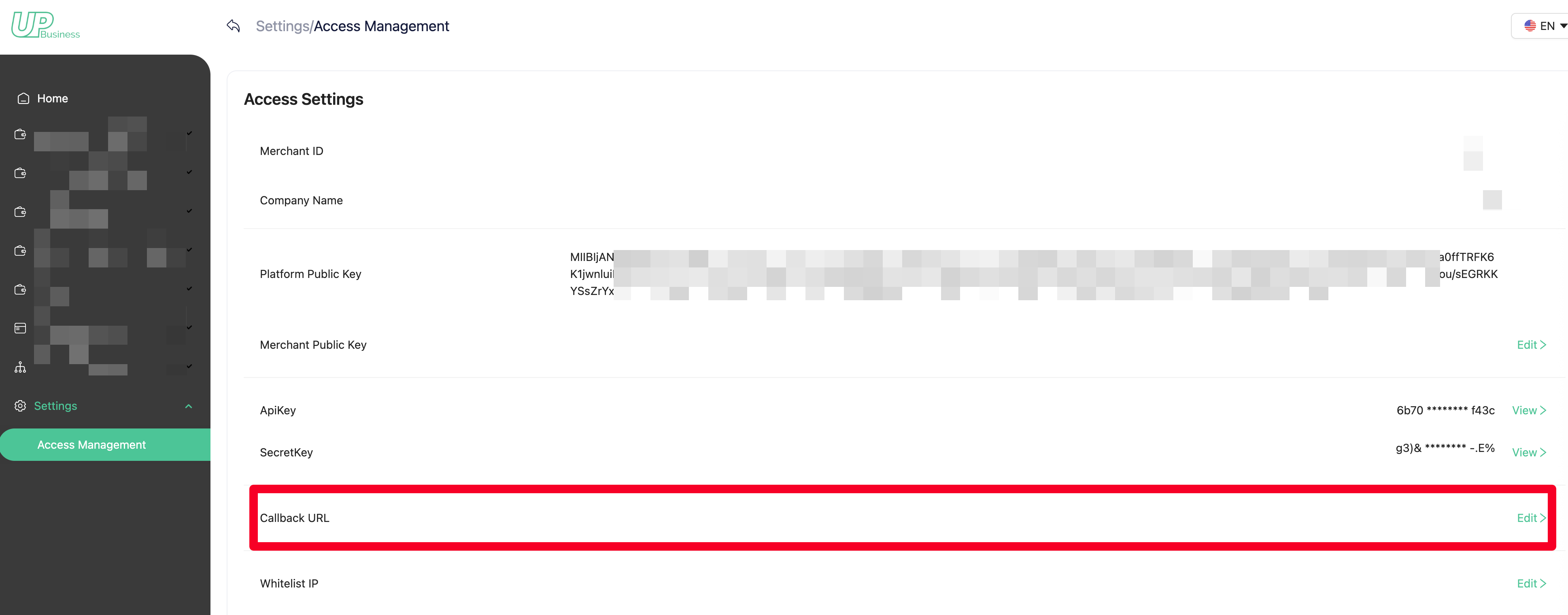
Set webhook
This option allows you to receive WebHook data pushed proactively by UPay.
-
If you don't need WebHook data, you can ignore this configuration.
-
If you enter a Webhook address, you need to submit it to UPay for verification.
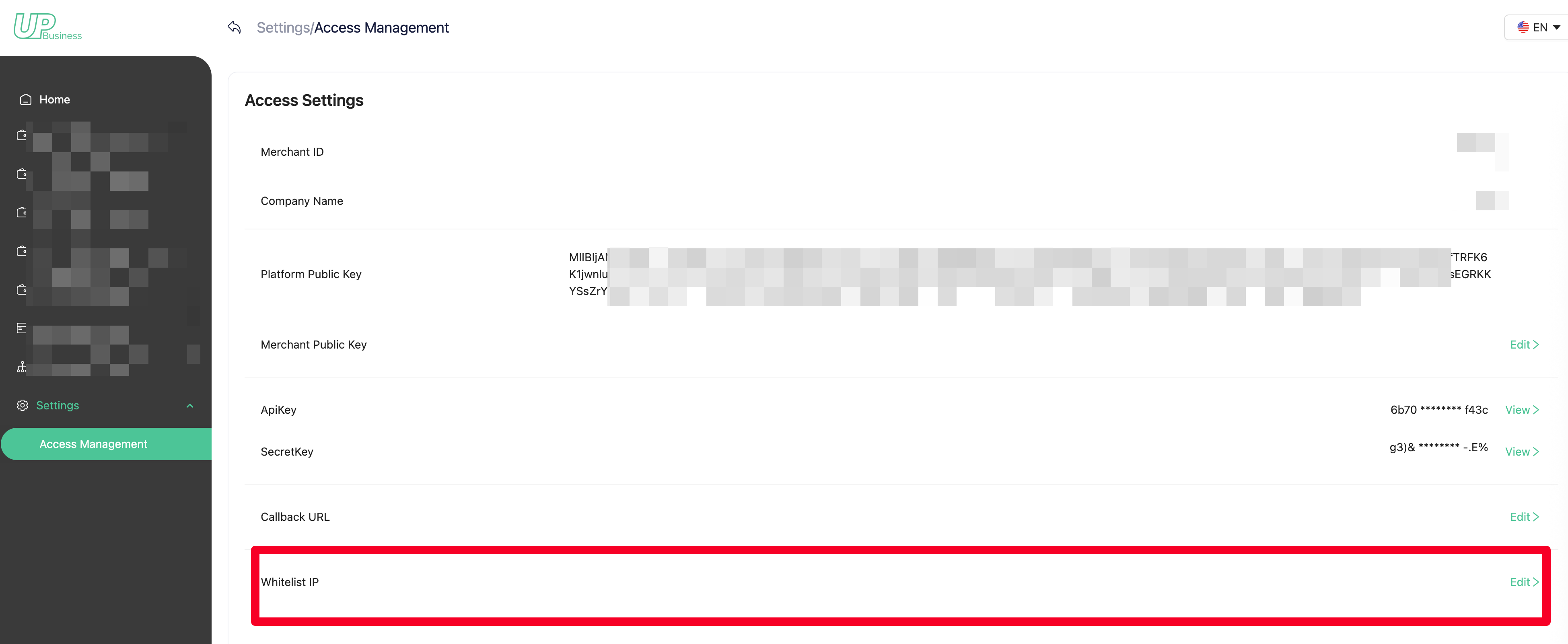
Setting a Whitelist of IPs
Configures the IP addresses allowed to access the API.
-
If not set, all IPs are allowed by default.
-
Supports setting multiple IP addresses.
-
Separate multiple IPs with commas (,).
-
Example: 127.0.0.1, 127.0.0.2
Request/Response Headers
Request Headers
| Field | Data type | Explanation | Effect |
|---|---|---|---|
| X-UPA-APIKEY | String | Request for API Key | Identify and differentiate white-label users |
| X-UPA-REQUESTID | String | Request for a unique code | Request idempotence |
| X-UPA-TIMESTAMP | String | Timestamp in milliseconds | Request time, if not responded within 60 seconds, timeout and do not respond to this request. Prevent replay attacks. |
| X-UPA-SIGN | String | Signature | Signature, to verify the authenticity and correctness of the requestor. |
X-UPA-APIKEY
APIKEY is the unique request key assigned by UPay, and only those who possess this key can have access to make calls.
X-UPA-REQUESTID
X-UPA-REQUESTID is a unique request ID for each request and response, with the following main functions:
- Ensure that the request is unique, and perform idempotent processing on the request.
- Unique request query.
- The response is consistent with the request, which is conducive to your architecture adjustment.
X-UPA-SIGN
Signature, to verify the correctness of the request
Response Header
| Field | Data type | Explanation |
|---|---|---|
| X-UPA-REQUESTID | String | Request a unique code identical to the request ID to ensure consistency in the response. |
| X-UPA-TIMESTAMP | String | Response timestamp, timestamp, milliseconds |
Request encryption & Response decryption
Some interfaces require that the request parameters and response content be encrypted using a private key through JSON Web Encryption (JWE). For specific interfaces, please refer toAPI List
Request encryption
-
When API parameters need to be encrypted, they are encrypted using the platform's public key
Request Example:
{ "payload":"Encryption data" } -
UPay obtains the requested parameters and decrypts them using the merchant's public key set in the merchant's backend to retrieve the original parameters
Response decryption
-
UPay encrypts the response data using the merchant's public key
Reponse Example:
{ "code": 0, "data": { "payload": "Encryption data" }, "msg": "Success", "success": true, "ts": 1774589644 } -
Upon receiving the response data, the merchant decrypts it using the merchant's private key to obtain the original response data
Other request information
Please refer to the specific interface details